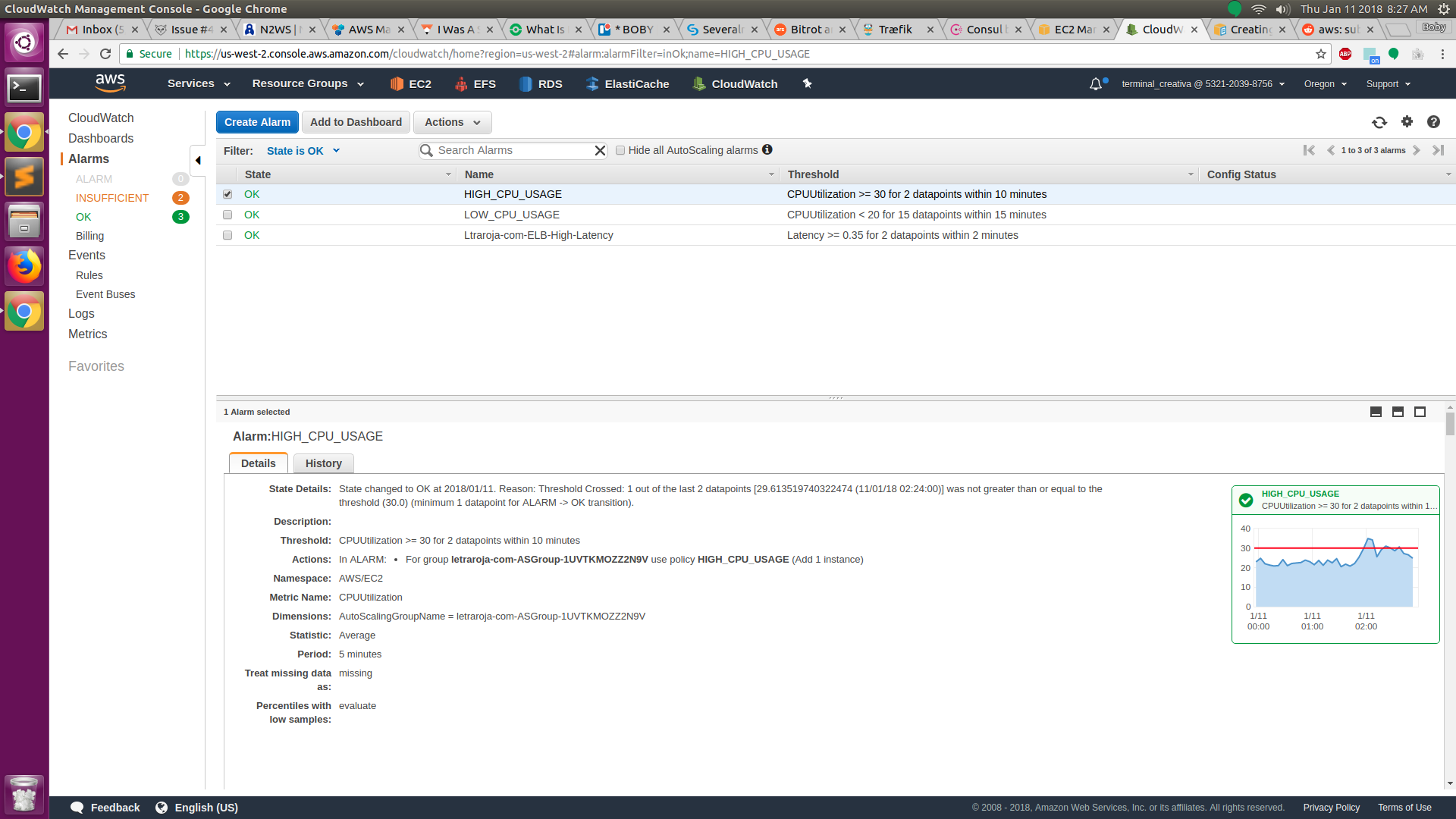
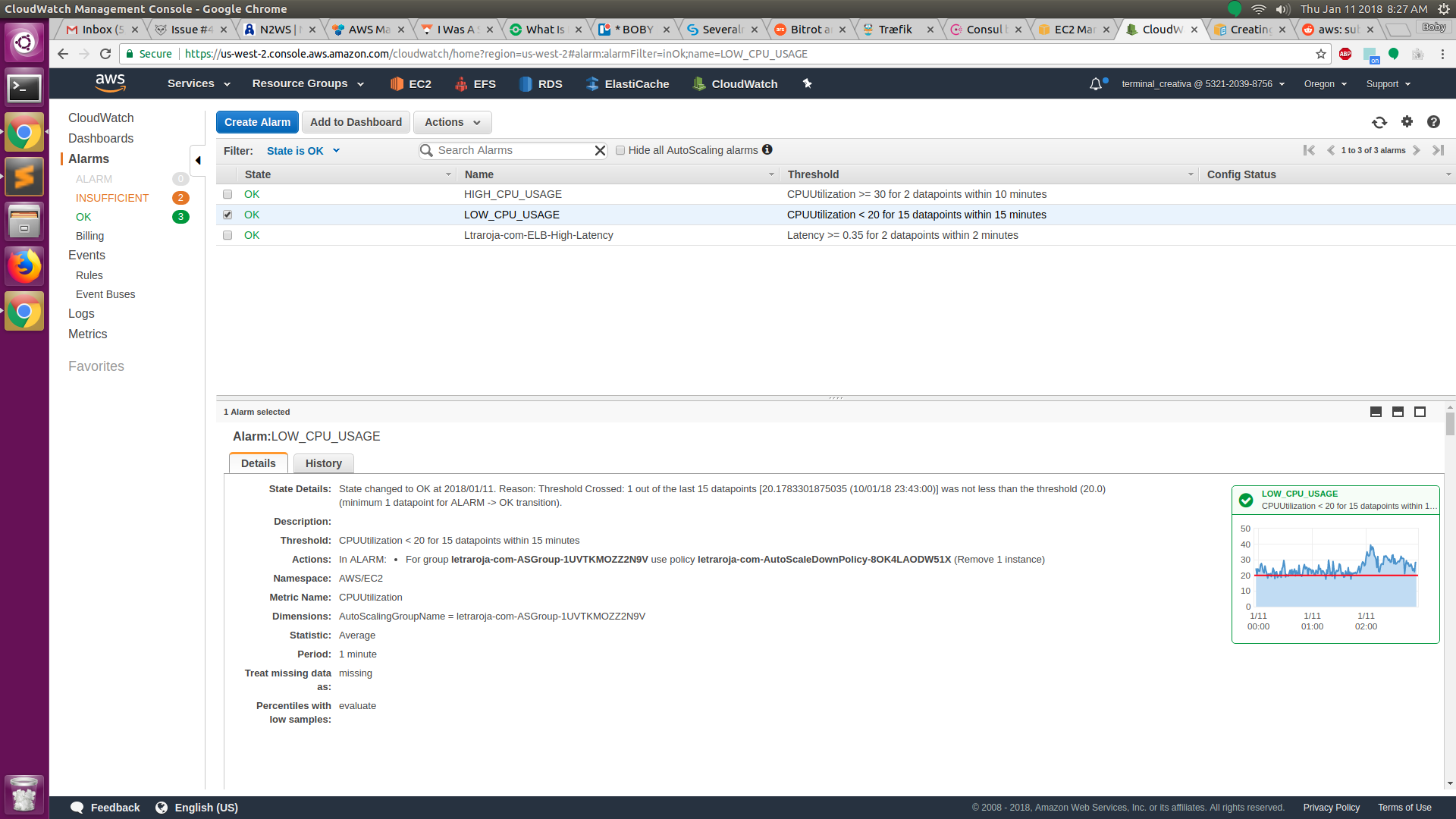
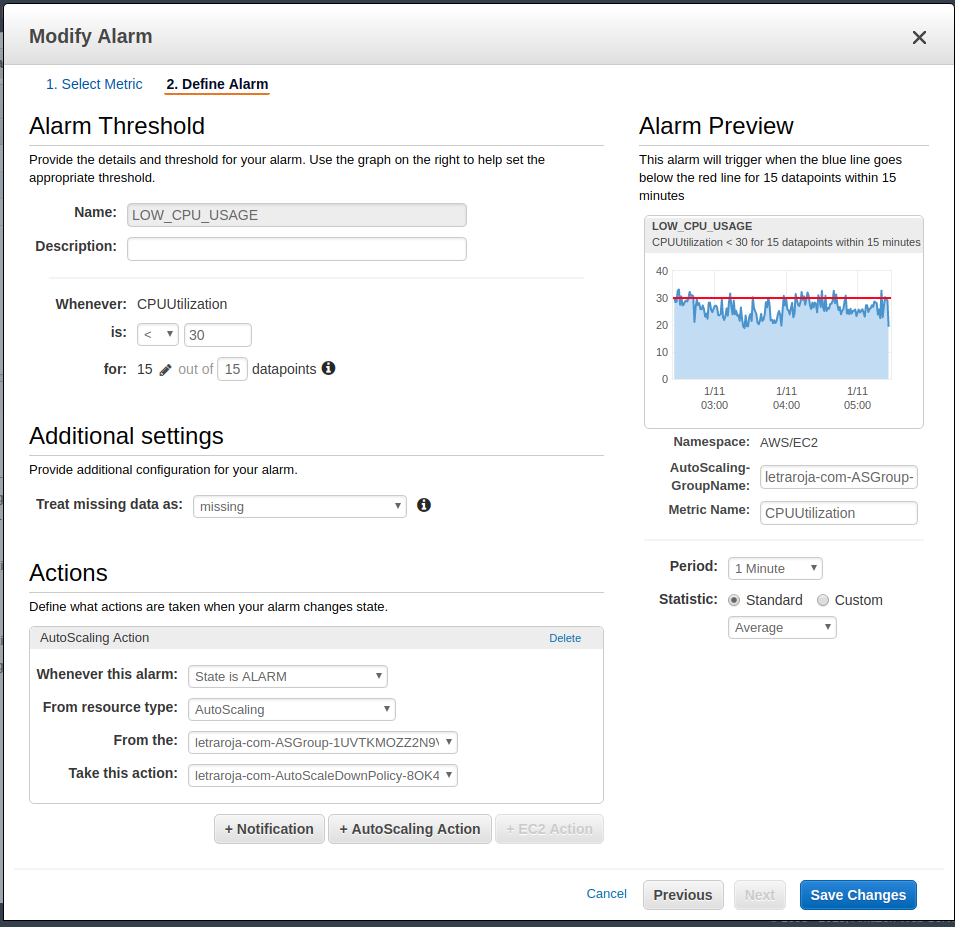
Anything we can do to improve scale in policy, so unwanted servers get terminated properly, before i had an issue, where servers get terminated quickly, increasing load, then new instance spawn like a LOOP.
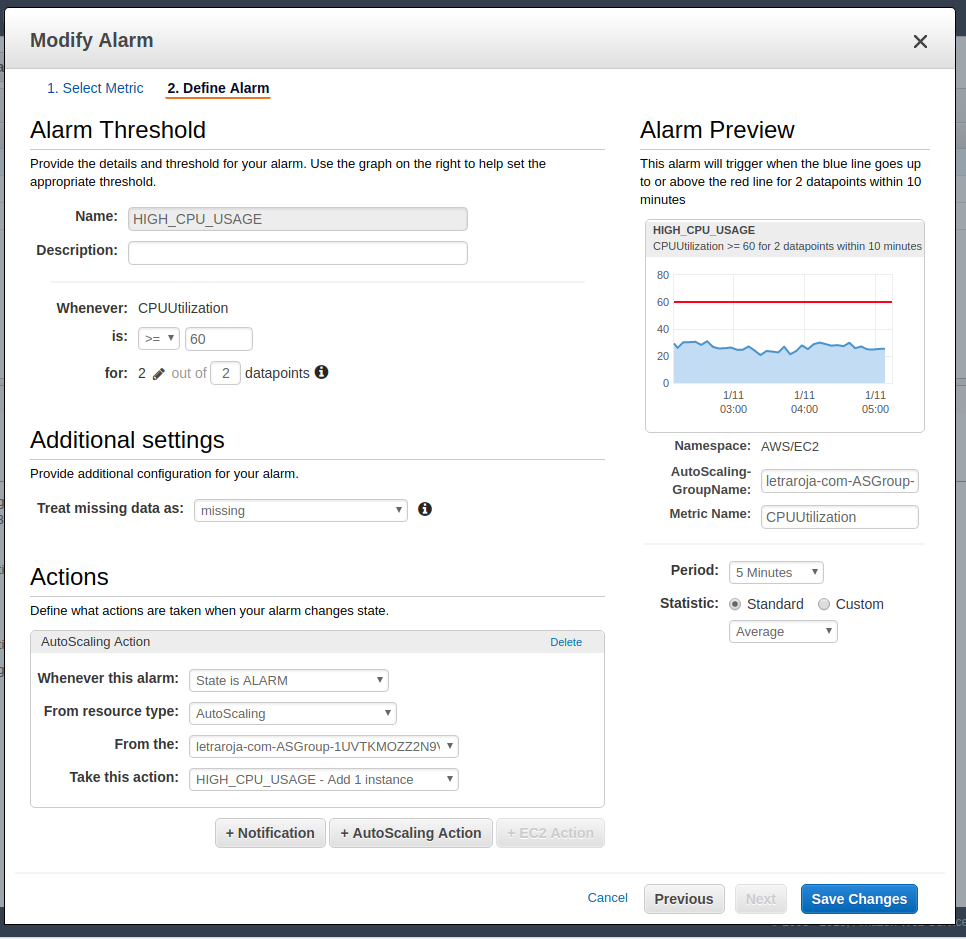
EDIT 1: As per suggestion from /user/Toger, i increased scale out cpu load from 30 to 60. New policy Imgur: The magic of the Internet
Hard to say without a load test. Is 20% the equivalent of ‘idle’, or is it realistic under load? How many servers do you have, and what happens if you synthetically remove one from rotation? What level of cpu usage are you comfortable with?
You may need to raise the reshold for scale down up to say 30% to cause scale in.
Set Cooldown to 600 Seconds. Cooldown is a delay added that prevents autoscaling events from triggering too quickly. So Cooldown tells the ASG, “do something, and then wait a bit”. This prevents the ASG flapping instances up and down.
Set a Grace period long enough that the instance will come into service, and register as health with the Load Balancer.
If you are using a Load Balancer, set a drain time for instances being removed from the ELB and terminated. This allows an instance to finish what it was doing before being killed off.
Consider using different metrics for Scaling. Latency seen at the LB, or Request Count could be used here, although CPU is a trusted favourite of mine.
This is a great start. One thing you should do is monitor your load balancer 90, 95, and 99th percentile response times. Don’t scale on them yet, but try to figure out what “slow” looks like. You might find out that your limiting factor is actually memory usage, not CPU.
Biggest pitfall I’ve run into is trying to scale on more than one metric could wind up thrashing “high CPU I scale out, low memory I scale in. Aaaaaaah!”
Set a Grace period long enough that the instance will come into service, and register as health with the Load Balancer.
This is set to 600, i have custom AMI with everything pre installed.
If you are using a Load Balancer, set a drain time for instances
This was disabled, i enabled with 300 seconds.
Consider using different metrics for Scaling. Latency seen at the LB, or Request Count could be used here, although CPU is a trusted favourite of mine.
I am using CPU + Latency now.
Today it look better, no down time, but i feel like i need to optimise, so we don’t over provision, saving some cost.
Sorry, I’ve been neck deep in ECS lately which has that out of the box. But yeah, EC2 you’ll have to add a custom metric, though there are some easily googlable examples of how to do this, I think one “official” from aws