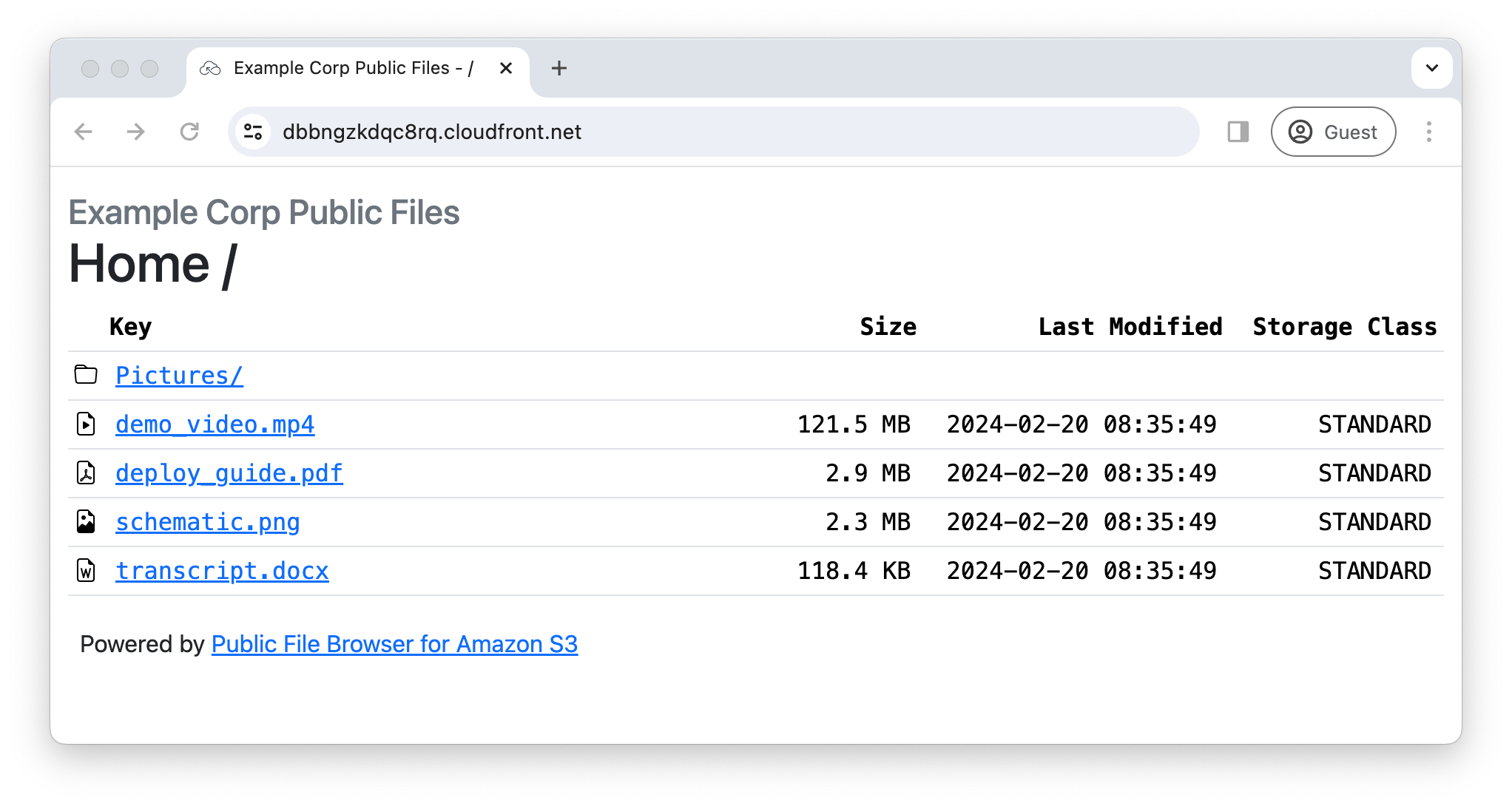
For a long time I’ve wanted to move some public files I’ve had on a web server to S3 but there was always a gap, there is no option for directory indexes like you see in Apache and Nginx. There are a few DIY solutions online but nothing that felt simple and native.
So I built this solution and had it published on the official AWS Samples GitHub. It deploys a new bucket with the UI already set up to index it, you just have to move files into the bucket you want to make public. Cost is effectively an S3 LIST call for every page load and then the CloudFront+S3 GET cost when someone actually downloads a file.
It’s a convenience function that is only run during deployment. It adds some parameters to the website code and then uploads the code to the S3 bucket so it can be served by CloudFront.
Details: It extracts the the contents of `./sam/seed_s3_data/website.zip` (which is just `./website/` zipped up) to a temp directory within the Lambda execution environment, does a find-and-replace of some special strings to hook it up to the deployed resources (Cognito Identity Pool for anonymous authentication, the S3 bucket, some config items, etc), then uploads the modified files to the S3 bucket to be served by CloudFront.
You could remove the function, modify the contents of `./website/index.html` to have the right values, then upload it to the `-website-` bucket and it will work.
I considered this, but the alternatives I think are going to be more expensive except for super high traffic sites. You would have to maintain that index in something like DynamoDB which has a storage and per-request cost, then you have to monitor the bucket which has a cost (S3 Inventory + storage charges, or Lambda on S3 PUTs). If you had a static list of files, or the list was updated rarely you could load them into a CSV or something to be served, but that’s a different and less convenient solution.
I wrote something like this once, it’s all closed source at the last company I worked for though. We used lambda@edge to generate the listings. We also cached listings for 10 minutes I think, since files didn’t change often. The main reason for the listings was artifactory compatibility when browsing repos, artifactory needed apache like listings to work correctly.