it tries the key, then fails, then tries other keys, then fails for too many tries?
Do you have any overriding configuration in ~/.ssh/config?
Can you at least ping the service? (with netcat for example)
$ nc -vz ip 22
If ssh -vvv cannot connect or nc is not able to reach the socket, then it is routing/firewall/sg, if not, ssh -vvv will tell you what is wrong with the connection.
Route tables are the silent killers for people new to aws and especially demo labs. I feel like route tables are the answer to these questions 90% of the time
Just use any EC2 instance for now, until the vpc is configured correctly .
How many availability zones, subnets and route tables do you have ?
Assuming you have one of each so most likely you need to add the 0.0.0.0/0 route to point to your internet gateway that is attached to your vpc ( if don’t have one then that’s the starting point )
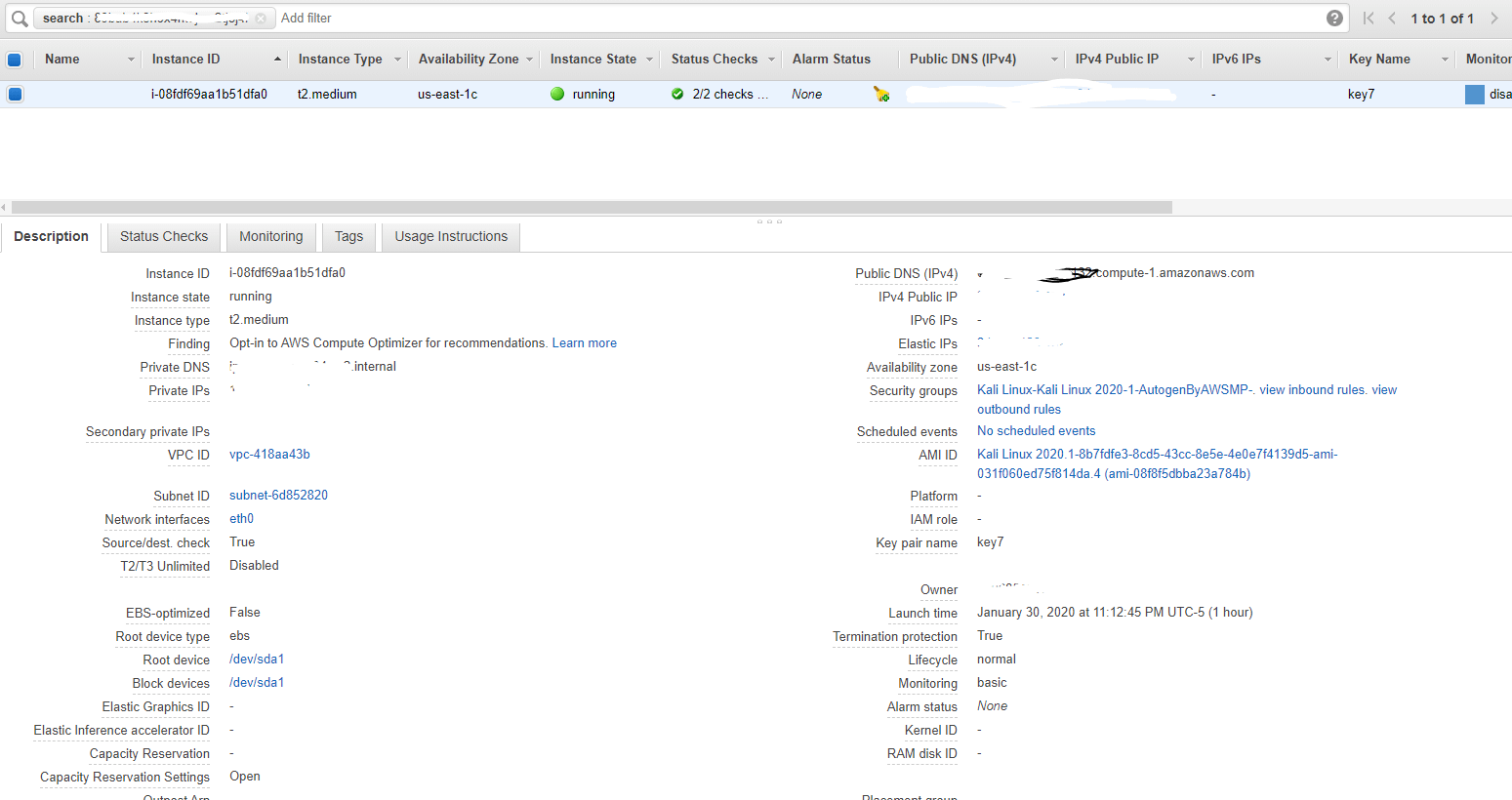
I would check:- Applied SG on the instance. use the description of the instance and “view inbound rules”. This will show you what is being efectively applied, check that everything is correct.
- I suppose your instance has a public IP, and that your subnet has a route table that does route to internet via internet gateway, but double check it.
- You can view the console logs of the instance from AWS, just in case something is fishy.
- You can create a simple amazon linux machine on that subnet and SSH it to check that iptables or something inside the machine is not blocking the incoming connections. Also if you are able to enter this instance, try to copy the pem to that instance and try to SSH using the lan IP of the Kali.
- Use an online service to also check if the instance is reachable from outside, i don’t know if your corporate network may be blocking SSH or other protocols to non-trusted networks or something like that. This one will do the trick: https://www.yougetsignal.com/tools/open-ports/
If you are getting a timeout it’s either security groups, network ACLs or the AMI itself. Try with Amazon Linux first, see if that works - maybe Kali has some special config.
Check security group allow traffic from 0.0.0.0/0 to your ec2, inbound rule
Check network access control list allow both inbound and outbound traffic, outbound means from security group to 0.0.0.0, inbound means from 0.0.0.0/0 to your security group
Check subnet ENI has proper CIDR block, enough IPs
Allow all traffic to verify connection quickly
Update proper rule on security group once you are done
Pretty sure this AMI is broken. I attempted to ssh into a new instance in a known good VPC/subnet and it would refuse the connection every time. Ping works when included in the sg just no ssh.