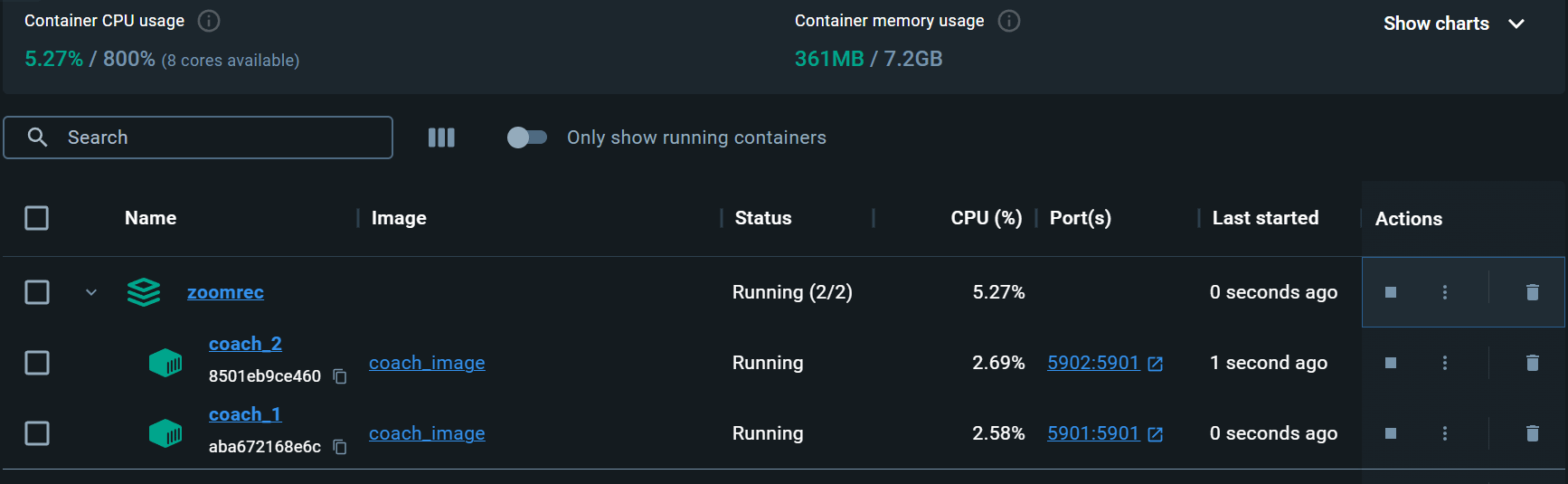
I have a problem with running a docker container on t2 micro instance on EC2. It instantly exits with code 0. I’m hoping someone can help guide me on what is actually happening.
The problem:
I created a docker container that is primarily a zoom recording bot. It joins zoom meeting sessions and records the meeting.
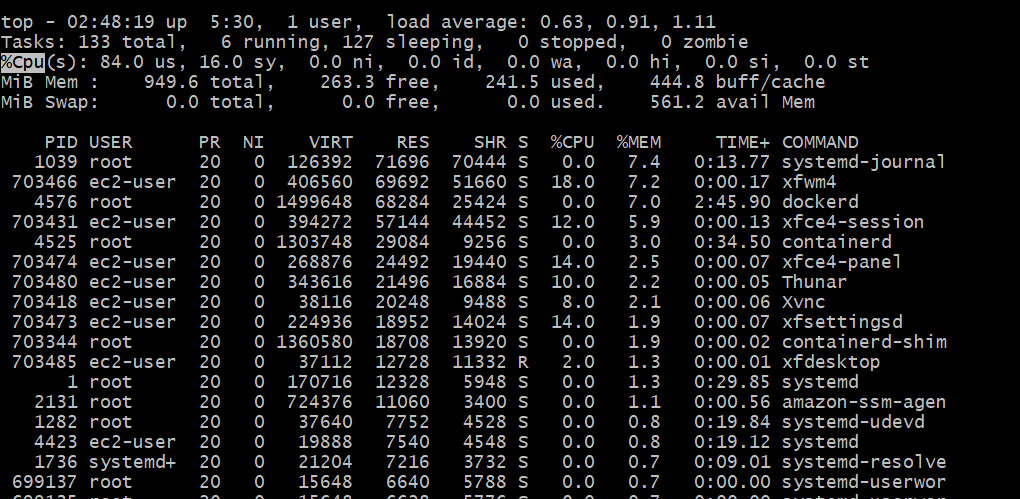
It runs several processes: runs xfce terminal , tiger vnc, xfwm4, and eventually zoom. I ssh into my ec2 instance and start up the docker containers, and they instantly exit with code 0. I’ve logged memory consumption and it hits 80% cpu and oscillates between 0 and 80%.
Running it locally, there are no problems. Perhaps the memory usage is a bit high?
I’m looking to understand why this is happening. My first and immediate thought is that the cpu usage is too high for a t2 micro instance? I don’t know of what else could be causing this.
I couldnt find a way to get more verbose docker logs. The docker fails before running my python script so I’m not sure how to get those logs. One reason could be its trying to connect to a specific vnc ip?
Well there’s the error, that’s important? It says session manager undefined. After 30 seconds of google it looks like this is linked to a desktop environment value. My guess is you’re running a headless ami and you need a desktop in some form.