Is this your current accumulating bill? If so, you appear to be 262 hours (consistent with a start of the 1st of the month), and it is showing how much you’ve used in the free tier so far this month.
How many other public IPv4 addresses do you have? The 919 hours seems to indicate that you have 3-4 additional public IP addresses, not all necessarily active at the moment.
Is there a place where I can check how many I have?
I’ve created an Elastic Beanstalk with an RDS and added a custom domain to the elastic beanstalk instance with ssl.
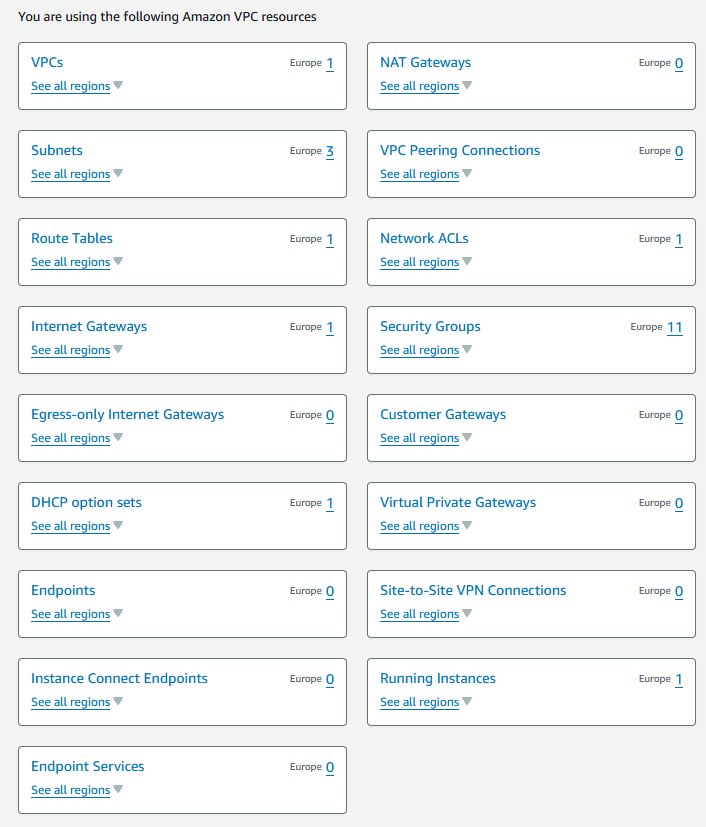
So I should have 1 ECS instance, 1 RDS instance, 1 VPC, 1 Load Balancer, I also have 1 S3 static website with a custom domain. I remember creating a hosted zone, route 53 and cloudfront / api gateway (domain?) to add custom domains to the backend and frontend. Do these use public IP addresses? Is there a place where I can check how many there are active? Most of what I have was created automatically with Elastic Beanstalk.
Oh I’m seeing it, in the network interfaces it shows 4 interfaces each with a public IP. Unfortunately I have no idea which ones I need so I’ll just let them be I guess. Thank you!